
Download EG Typing Software – typing tutor, touch typing, improve typing speed, accuracy over speed, typing practice, keyboard skills, typing software, typing trainer, learn to type, keyboard training
Overview
EG Typing Software is a dedicated typing tutor designed to help users improve their keyboard proficiency through structured, touch typing practice. The app’s primary purpose is to guide individuals of all experience levels—from beginners to those seeking refinement—toward more accurate and efficient typing habits. By emphasizing accuracy over speed in its methodology, the software lays a strong foundation for long-term typing improvement, ultimately enabling faster input as skill develops. It addresses common challenges such as inefficient finger placement, reliance on visual typing, and inconsistent performance under pressure.
Target users include students, office professionals, writers, and anyone who relies on frequent keyboard use. The app’s user-friendly design ensures that learning is accessible regardless of prior experience. Real-world applications include preparing academic documents, completing work-related tasks, managing emails, and improving overall digital productivity. In the broader app ecosystem, EG Typing Software fills a niche for lightweight, focused educational tools that prioritize skill mastery over gamification or complexity.
The developer, EG Typing Software, has not provided additional background information. However, the app’s clean structure and clear objectives suggest a focused development approach centered on educational utility. The release date of August 1, 2024, indicates it is a recent entry in the productivity category, potentially offering modern design principles and updated learning frameworks.
Key Features & Functionality
- User-Friendly Interface: The app features a simple, distraction-free layout that allows users to focus on typing practice without unnecessary visual clutter. This design supports intuitive navigation, enabling quick access to lessons, tests, and progress reports.
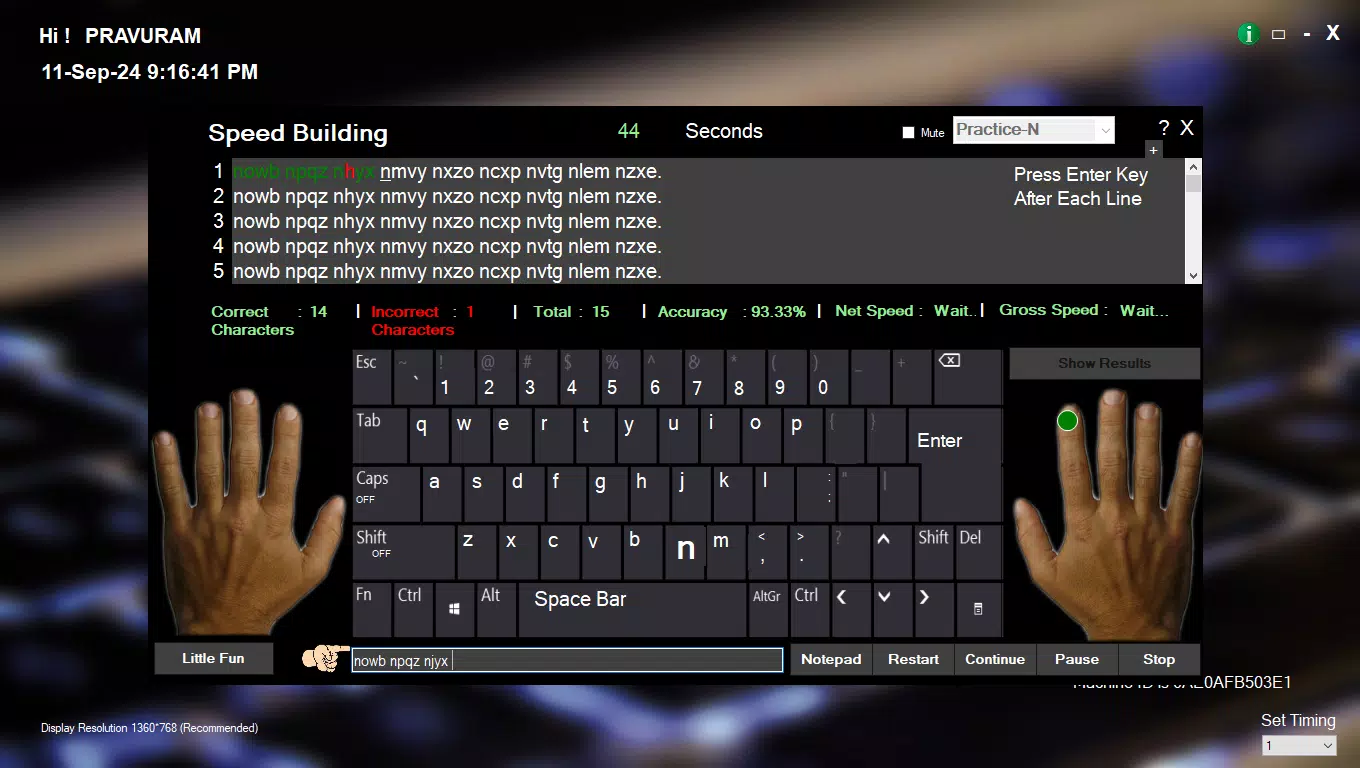
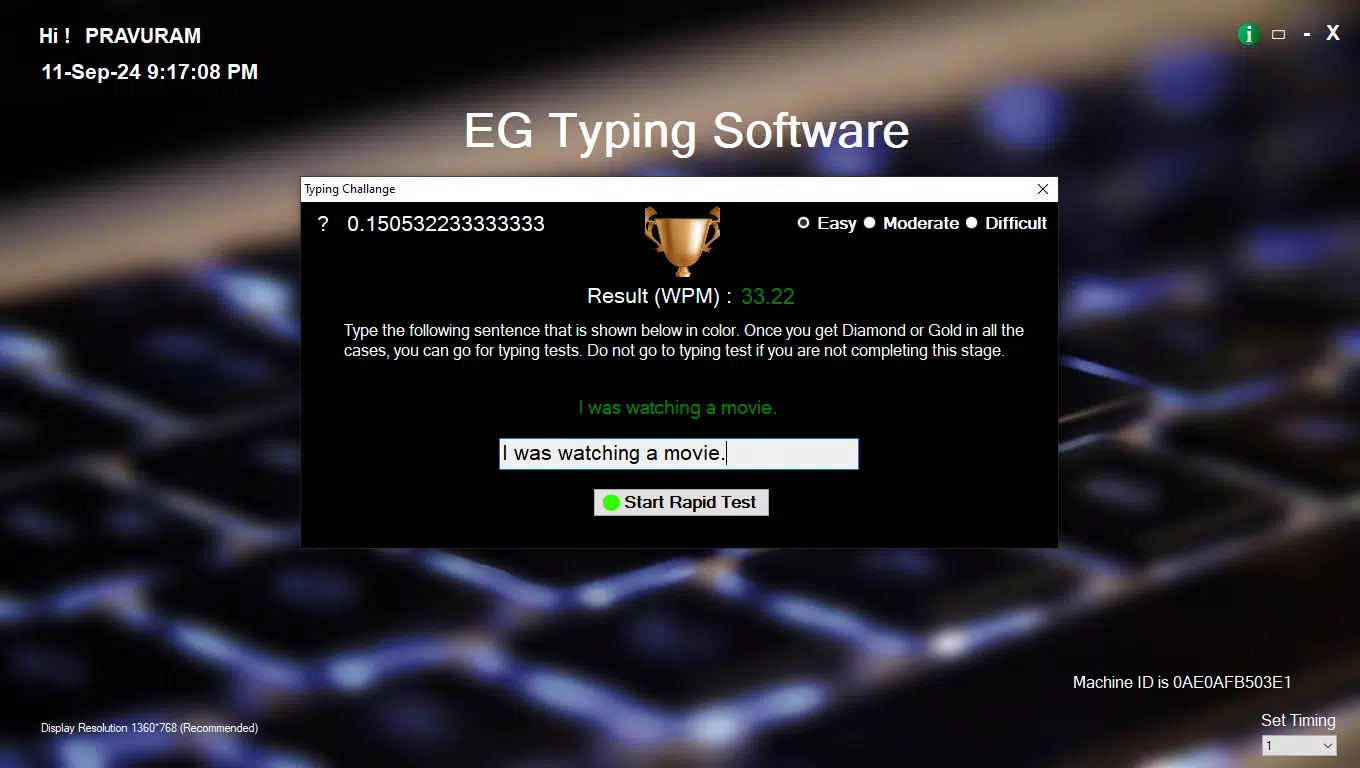
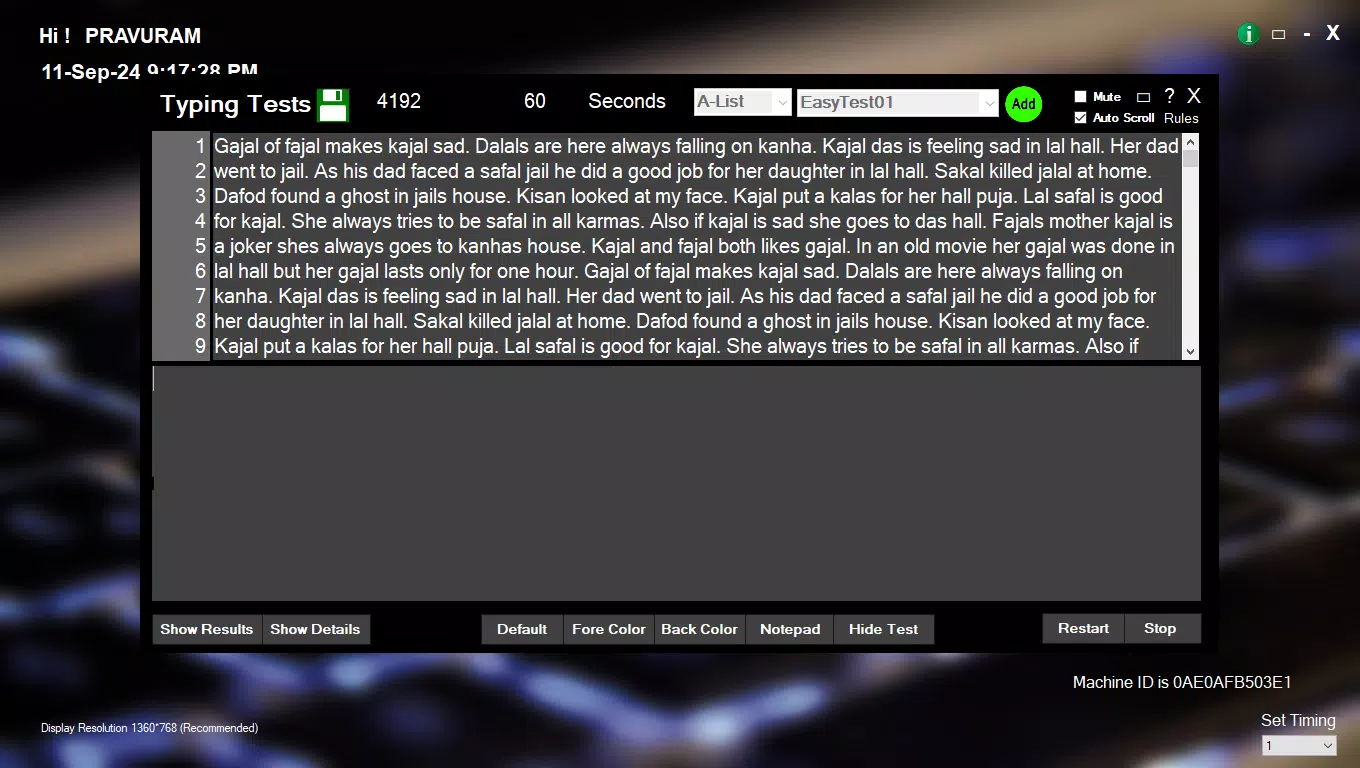
- Comprehensive Typing Assessment: Users can take real-time typing tests that evaluate both speed and accuracy. As they type, the software tracks keystrokes and provides immediate feedback, helping users identify errors and adjust their technique during the session.
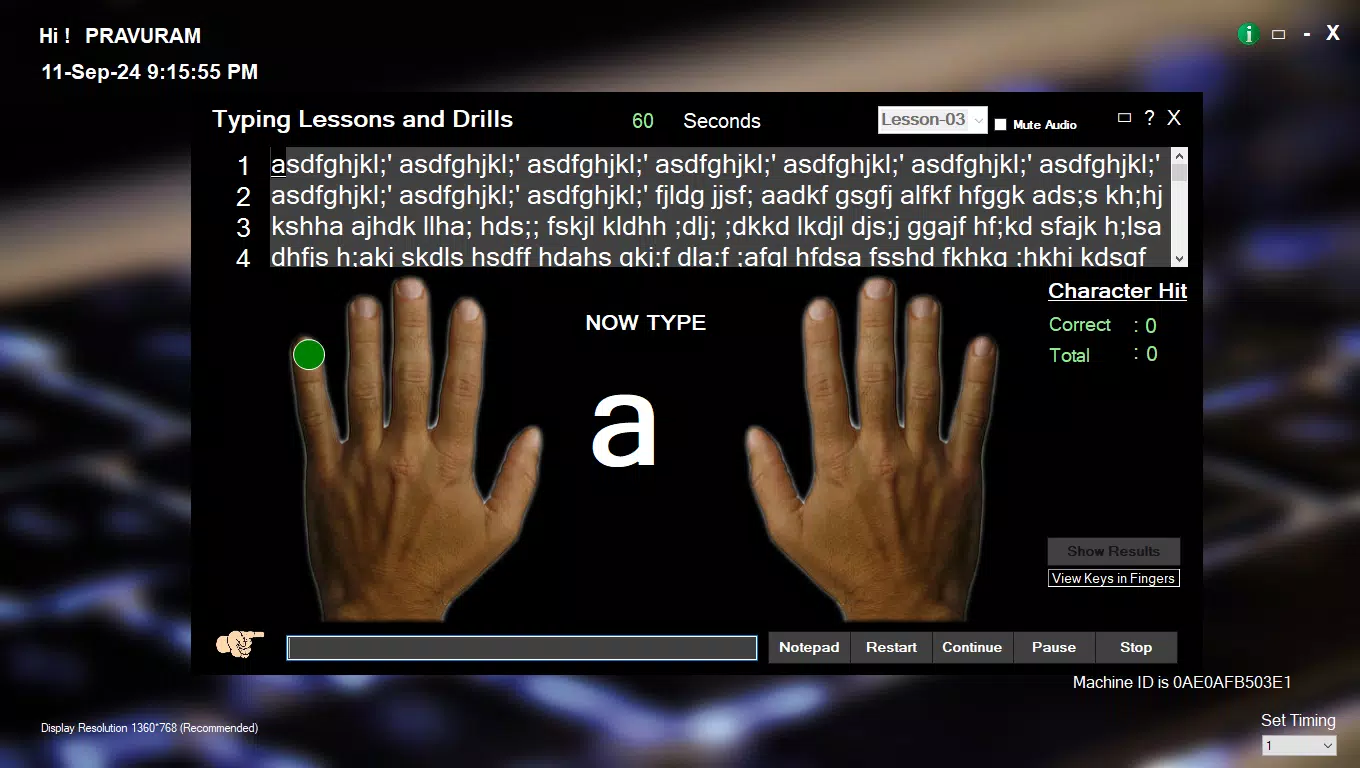
- Focus on Accuracy First: Rather than encouraging rapid typing from the start, the software prioritizes correct finger placement and key accuracy. This methodical approach builds muscle memory and reduces bad habits, leading to sustainable improvements over time.
- Progress Tracking: After each session, detailed analytics are generated, showing performance trends, accuracy rates, and typing speed over time. These insights allow users to set personal goals and monitor their advancement across multiple sessions.
- Versatile Usage: The app is suitable for a wide range of users, including students preparing for exams, professionals managing daily correspondence, and casual users aiming to enhance their keyboard skills for better digital efficiency.
For example, a college student might use the app to prepare for timed essay submissions, while a remote worker could improve their email response speed without sacrificing clarity. The structured feedback loop ensures continuous learning and adaptation to individual progress patterns.
Interface, UX & Performance
The user interface of EG Typing Software is designed with clarity and simplicity in mind. The layout emphasizes readability and ease of interaction, using clean typography and minimal color contrasts to reduce visual fatigue during extended use. Navigation appears to follow a logical flow, with key functions such as starting a lesson, taking a test, and viewing results accessible from a central menu.
Although the developer did not list formal performance metrics, the app’s 20.5 MB file size suggests a lightweight design optimized for efficient operation. This size implies minimal resource consumption, which typically translates to smooth performance across a variety of Android devices, including entry-level models. The app likely maintains responsiveness during typing sessions, with low latency in feedback delivery.
Stability appears to be a focus, as the app avoids complex animations or excessive features that could compromise reliability. Users can expect consistent behavior during practice sessions and test evaluations. The absence of reported crashes or bugs in the initial release indicates a stable build, though long-term performance under heavy use remains unverified.
Platform Compatibility & Technical Requirements
EG Typing Software is available exclusively on the Android platform. The current version is 1.0, with a file size of 20.5 MB. Specific minimum OS requirements were not listed by the developer. Compatibility information was not fully disclosed, so users should ensure their device meets standard Android system requirements for app installation.
The app is free to download and use, making it accessible to a broad audience. While no updates have been documented beyond the initial release, the developer has not indicated whether future updates are planned. Users are advised to check for updates through the official distribution channel to ensure they are running the latest available version.
Pros and Cons
- Free to download and use, making it accessible to all users
- Lightweight at only 20.5 MB, suitable for devices with limited storage
- Focuses on accuracy, promoting long-term typing skill development
- Simple interface reduces learning curve for beginners
- Provides detailed progress tracking to monitor improvement
- Developer did not specify minimum OS requirements
- No information on availability for iOS or other platforms
- Version 1.0 suggests limited feature set at launch
- Specific update frequency or future roadmap not disclosed
- Compatibility with older Android versions not confirmed
FAQ
Is EG Typing Software safe to download?
Yes, the app is free and available through official Android channels. No third-party sources are recommended. Always verify the developer name and app size before installation.
Can I use EG Typing Software on iOS devices?
The developer has not released the app for iOS. It is currently available only on Android.
Does the app require internet access?
Based on available information, the app functions offline. All lessons, tests, and progress tracking are stored locally.
How often should I use the app for best results?
Consistent daily practice, even for 10–15 minutes, can lead to measurable improvement over time. The app supports regular use with no time limits.
Will my progress be saved if I uninstall the app?
Progress is stored locally on the device. If the app is uninstalled, data may be lost unless backed up. Users should be aware of this limitation.
Final Thoughts
EG Typing Software offers a focused, no-frills approach to mastering keyboard skills. Its emphasis on accuracy, combined with a clean interface and built-in progress tracking, makes it a valuable tool for anyone aiming to improve their typing efficiency. While the app is currently in its initial version and lacks cross-platform availability, its lightweight design and free access enhance its appeal.
Students, professionals, and casual users alike can benefit from its structured learning path and real-time feedback. For those seeking a reliable, straightforward typing trainer without unnecessary distractions, EG Typing Software delivers on its core promise. With consistent use, users can expect meaningful gains in both speed and precision.
Download EG Typing Software now


